This guide may contain affiliate links. If you buy through them, we may earn a small commission at no extra cost to you. Learn more.
A home office doesn’t need a full makeover to feel better to work in. Most discomfort comes from a few fixable things: a screen that’s too low, a chair that doesn’t support you, poor lighting, and a tangle of cables. This guide covers seven upgrades that target those problems, with a plan to fit them into about $250.
Disclosure: We may earn a commission when you purchase through links on this page, at no additional cost to you.
The quick answer
- Raise your screen first. A monitor stand or laptop riser is cheap and makes a noticeable difference.
- Get your chair and desk height right before buying new furniture. Sometimes a seat cushion or footrest is enough.
- Light your face, not just the room. A desk lamp or light bar helps on video calls and reduces glare.
- Hide the cables. A tray under the desk makes the whole space look calmer.
- Standing desks and premium chairs are big purchases. Plan them as a separate upgrade.
Before you buy: check your current setup
- Screen height. Sit normally and look straight ahead. Many ergonomic guides suggest the top of the screen should be at or slightly below eye level.
- Desk and chair height. Your forearms should be roughly level with the desk when typing, with feet flat on the floor or a footrest.
- Light sources. Note where the windows and lamps are. Light from behind your screen causes glare and puts your face in shadow on calls.
- Cable count. Count what plugs in at your desk. That tells you how big a power strip and cable tray you need.
Free printable: Desk Setup Checklist
One printable page you can take with you.
How we chose these upgrades
- Comfort impact for the cost.
- Fits a small space.
- Easy setup.
- Works with an existing desk.
- Honest drawbacks.
See our Editorial Policy.
7 home office upgrades
1. Monitor stand or laptop riser
Our pick: Rain Design mStand Laptop Stand · B&H (also Amazon)
- Best for: Anyone working on a laptop or a low monitor.
- Why it made the list: One of the cheapest and most effective changes. Getting the screen up to a better height helps you sit more upright.
- Watch out for: A raised laptop needs a separate keyboard and mouse. Check the riser’s adjustability and stability.
- Typical price range: Check current price.
2. External keyboard and mouse
Our pick: Logitech MK270 Wireless Keyboard and Mouse Combo · Logitech
- Best for: Laptop users, especially paired with a riser.
- Why it made the list: It lets you position the screen and your hands separately.
- Watch out for: Wireless sets need batteries or charging. Try the key feel if you can; it’s personal.
- Typical price range: Check current price.
3. LED desk lamp or monitor light bar
Our pick: BenQ ScreenBar Monitor Light Bar · BenQ
- Best for: Evening work and video calls.
- Why it made the list: Adjustable brightness and color temperature let you light your workspace without glare on the screen.
- Watch out for: Light bars clip onto monitors; check it fits your monitor’s thickness and shape. Premium light bars can take a big share of a $250 budget, so compare it with a basic desk lamp.
- Typical price range: Check current price.
4. Ergonomic seat cushion or lumbar support
Our pick: Mind Reader Memory Foam Office Chair Cushion · Quill
- Best for: Chairs that are fine but not great.
- Why it made the list: A low-cost way to improve a chair you already own before replacing it.
- Watch out for: A cushion raises your seat height; you may need to adjust your desk setup or add a footrest.
- Typical price range: Check current price.
5. Footrest
Our pick: Fellowes Office Suites Tilt-Adjustable Footrest (8032201) · Quill (also Office Depot)
- Best for: Shorter people or tall desks where feet don’t rest flat.
- Why it made the list: Simple fix for a common problem.
- Watch out for: Check the height and angle adjustment match what you need.
- Typical price range: Check current price.
6. Under-desk cable tray and power strip
Our pick: IKEA SIGNUM Horizontal Cable Management Tray · IKEA (add a surge protector separately)
- Best for: Desks with a tangle of chargers and cords.
- Why it made the list: Gets cables off the floor and out of sight, which makes a small office feel much more organized.
- Watch out for: Our pick screws into the underside of the desk, so check your desk can take screws. Use a surge protector, not just a basic strip, for computer equipment.
- Typical price range: Check current price.
7. Desk organizer or drawer unit
Our pick: Sterilite 3-Drawer Rolling Cart · Sterilite (also Target, Walmart)
- Best for: Clearing paper and supplies off the desktop.
- Why it made the list: A clear desk surface leaves room to work.
- Watch out for: Measure under-desk space and leg room before buying a rolling drawer unit.
- Typical price range: Check current price.
The bigger upgrades (plan separately)
- Standing desk or desk converter: Desk converters sit on your current desk and cost less; full standing desks often run $150–$600. Check height range and weight capacity from the manufacturer.
- Ergonomic chair: Typically $100–$500 or more. Adjustable seat height, armrests and lumbar support are the features to compare. Try one in a store if you can.
A sample $250 plan
| Priority | Upgrade | Why |
|---|---|---|
| 1 | Monitor stand or laptop riser | Biggest comfort change for the cost |
| 2 | Keyboard and mouse (if on a laptop) | Needed with a riser |
| 3 | Desk lamp or light bar | Better calls, less glare |
| 4 | Cable tray + surge protector | Cleaner, calmer space |
| 5 | Seat cushion or footrest | Chair fit |
Prices change often, so check current prices before you shop.
FAQ
What’s the most important home office upgrade?
For many people working on a laptop, it’s raising the screen and adding a separate keyboard and mouse.
Is a standing desk worth it?
It depends on how you work. A desk converter is a lower-cost way to try standing before buying a full desk.
How do I make a small home office feel organized?
Hide cables, clear the desktop with an organizer, and give every item a home.
What’s the best lighting for video calls?
Light in front of you, facing you, rather than behind you. A soft, adjustable lamp or light bar helps.
Next step
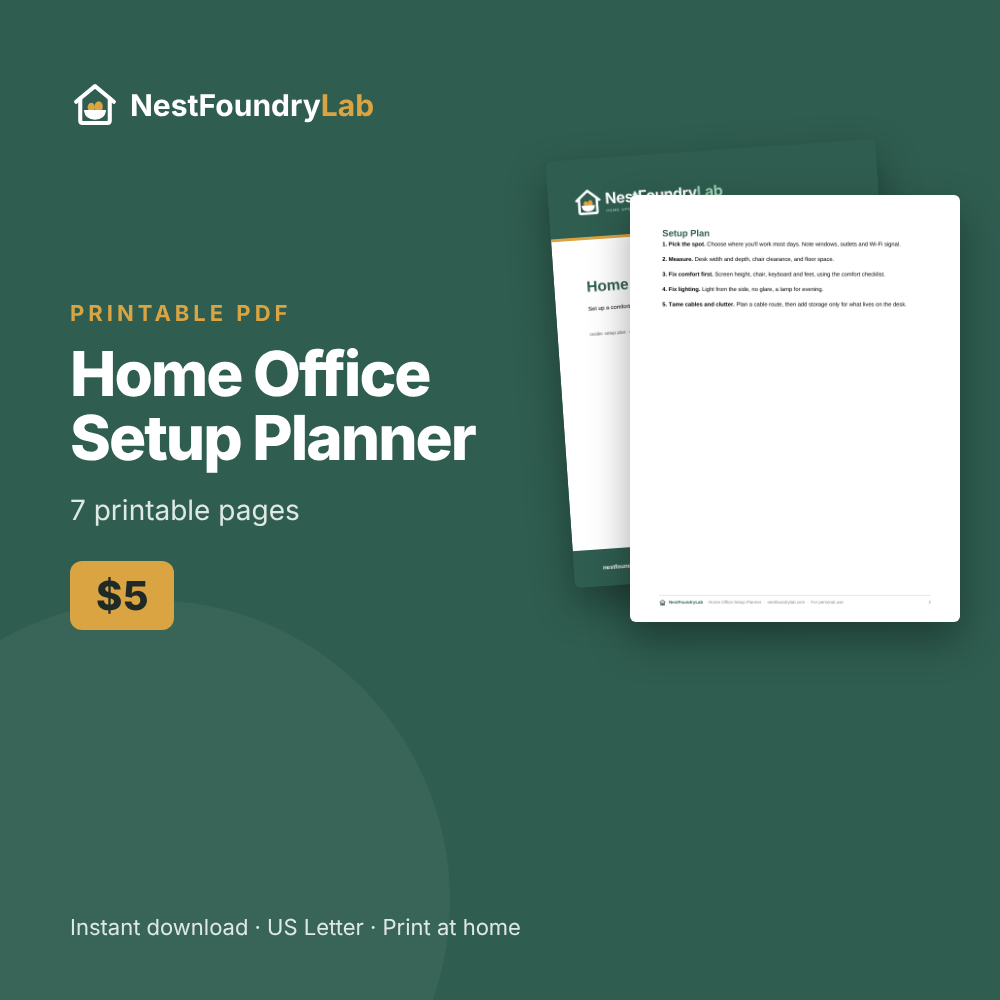
Home Office Setup Planner ($5): a desk measurement sheet, setup checklist, and upgrade wishlist.
Instant PDF download. Or get all 10 planners for $29.
Related: 10 Smart Home Upgrades Under $100 · Weekend Home Upgrades That Look Expensive
Save this guide for later on Pinterest