
This guide may contain affiliate links. If you buy through them, we may earn a small commission at no extra cost to you. Learn more.
You don’t need to rewire your house or buy a pricey hub to get real value from smart home tech. A few well-chosen devices can save you steps every day: lights that turn on when you get home, a lamp you can switch off from bed, a notification when someone’s at the door. This guide is for beginners who want useful upgrades, each under $100, that work together instead of turning into a drawer of apps.
Disclosure: We may earn a commission when you purchase through links on this page, at no additional cost to you.
The quick answer
- Pick one ecosystem first. Choose the voice assistant or app you’ll use to control everything, then buy devices that support it.
- Smart plugs are the easiest first step. No wiring, and they make any lamp or small appliance controllable.
- Lighting gives the biggest “wow” for the money. Smart bulbs or a smart switch in the room you use most.
- Check your Wi-Fi before buying. Devices in weak-signal spots are the ones that “randomly” stop working.
- Add automations after the devices are working. Start with one or two simple routines.
Before you buy: four things to check
- Your main ecosystem. Decide which assistant or app will be home base. Check that every device you buy lists support for it on the product page or box.
- Your Wi-Fi coverage. Walk the house with your phone and check signal where devices will go: porch, garage, bedrooms. Many smart devices only connect on a specific Wi-Fi band, so check what each device needs and what your router offers.
- Whether a hub is required. Some devices need a separate bridge or hub to work. That’s fine, but count it in the cost.
- Subscription costs. Cameras and doorbells especially may need a paid plan for recorded video. Check what works free and what doesn’t.
Free printable: Smart Home Before-You-Buy Checklist
One printable page with every compatibility question to ask.
How we chose these upgrades
- Usefulness every day, not just novelty.
- Beginner-friendly setup: no wiring, or simple wiring with clear instructions.
- Works with major ecosystems: we favored device types widely available for the major assistants.
- Under $100 for a typical single device or starter pack.
- Honest drawbacks: every pick has a “watch out for.”
See our Editorial Policy for how we research and update recommendations.
10 smart home upgrades under $100
1. Smart plugs
Our pick: Kasa Smart Plug Mini (EP10) · TP-Link
- Best for: Lamps, fans, holiday lights, coffee makers with a manual on switch.
- Why it made the list: The lowest-effort upgrade there is. Plug it in, connect it to the app, and a regular lamp becomes something you can schedule or control by voice.
- Watch out for: Check the plug’s rated load before using it with anything that draws a lot of power, like heaters. Bulky plugs can also block the second outlet.
- Typical price range: $20–$60, often in multi-packs. Check current price
2. Smart bulbs
Our pick: Kasa Smart Light Bulb, Multicolor (KL125) · TP-Link
- Best for: Renters, or rooms where you want color or warm/cool white adjustment.
- Why it made the list: No wiring at all, and you control brightness and often color temperature from your phone.
- Watch out for: If someone flips the wall switch off, the bulb loses power and can’t be controlled. Smart bulbs work best where the switch stays on, or paired with a smart switch designed for them.
- Typical price range: Check current price.
3. Smart light switch or dimmer
Our pick: Lutron Caséta Smart Dimmer Switch (PD-6WCL) · Lowe’s
- Best for: Homeowners who want to control a whole room’s lights while the wall switch still works normally.
- Why it made the list: One switch controls every bulb on that circuit, and guests can still use it like a normal switch.
- Watch out for: It’s hardwired. Many models need a neutral wire in the switch box. Our pick is sold as a no-neutral dimmer, but app and voice control go through Lutron’s Smart Hub, sold separately or in a kit. Turn off power at the breaker, follow the manufacturer’s instructions, and hire an electrician if you’re not comfortable. Our Smart Dimmer Switch Buying Guide covers this in detail.
- Typical price range: $30–$100. Check current price
4. Video doorbell
Our pick: Ring Battery Doorbell · Ring
- Best for: Seeing who’s at the door and getting package notifications.
- Why it made the list: It’s one of the most-used smart devices in many homes because it solves a daily question: who’s there?
- Watch out for: Check whether recorded video needs a subscription. Also check whether the model is battery or wired, and whether your existing doorbell wiring is compatible.
- Typical price range: $60–$250 depending on features; entry models are often under $100. Check current price
5. Smart thermostat (entry-level)
Our pick: Google Nest Thermostat · Google Store (compatibility checker)
- Best for: People who forget to adjust the heat or AC when leaving the house.
- Why it made the list: Scheduling and remote control are the features most people use, and some utilities offer rebates on qualifying models.
- Watch out for: Compatibility with your HVAC system matters a lot. Most manufacturers have an online compatibility checker; use it before buying. Some require a common (“C”) wire. Many full-featured models cost more than $100, so this one may stretch the budget. Our link goes to Google’s compatibility checker, so run that first.
- Typical price range: $80–$300. Check current price
6. Motion sensor lights for hallways or closets
Our pick: Mr. Beams Motion-Sensing LED Stick-Anywhere Night Light (MB723, 3-pack) · Lightbulbs.com
- Best for: Dark hallways, closets, stairs, under-bed night lighting.
- Why it made the list: Many are battery-powered and stick on, so there’s no app at all. They’re the definition of “set it and forget it.”
- Watch out for: Battery life varies a lot. Rechargeable models save money over time.
- Typical price range: Check current price.
7. Under-cabinet LED lighting
Our pick: Enbrighten 18 in Plug-In Dimmable LED Light Bar · Jasco/Enbrighten
- Best for: Kitchens with dark counters.
- Why it made the list: A very visible change for a small cost. Plug-in or battery strips mean no electrician needed.
- Watch out for: Measure your cabinet length before buying, and check whether the strip can be cut to size. Cheap adhesive can fail in warm kitchens, so look for mounting clips.
- Typical price range: $20–$100. Check current price
8. Smart speaker or display
Our pick: Amazon Echo Dot (5th Gen) · B&H (also Amazon)
- Best for: Voice control of everything else on this list.
- Why it made the list: If you don’t already have one, it’s often the easiest way to control devices without opening an app.
- Watch out for: Newer generations come out regularly, so buy the current model. This choice also locks in your ecosystem. Pick the one that matches the phone and services you already use.
- Typical price range: Check current price.
9. Water leak sensor
Our pick: Geeni Wi-Fi Water Leak Sensor and Alarm (no hub required, 2.4 GHz Wi-Fi) · Home Depot
- Best for: Under sinks, behind the washer, next to the water heater.
- Why it made the list: Small, cheap, and it alerts your phone when it detects water, so you can catch a slow leak sooner.
- Watch out for: Some sensors need a hub to send phone alerts; others only beep locally. Check which you’re getting.
- Typical price range: Check current price.
10. Smart door lock (budget models)
Our pick: Wyze Lock Bolt (fingerprint + keypad) · Wyze
- Best for: Families who hand out spare keys or forget to lock up.
- Why it made the list: Keypad codes for family members, plus a phone check of whether the door is locked.
- Watch out for: Check that it fits your door’s thickness and existing deadbolt hole. Many full-featured locks cost more than $100. Keep the batteries fresh and know the backup entry method. Check whether remote locking from your phone needs an extra accessory.
- Typical price range: Check current price.
A simple starter plan
- Week 1: Pick your ecosystem. If you don’t have a speaker, get one.
- Week 2: Add two smart plugs to lamps you turn on every night. Set a sunset schedule.
- Week 3: Add a leak sensor under the kitchen sink and one by the water heater.
- Week 4: Upgrade your most-used room with smart bulbs or a smart switch.
- After that: Add the doorbell, thermostat or lock based on what you actually want.
Starter budget example
| Priority | Upgrade | Why first |
|---|---|---|
| 1 | Smart plugs (2-pack) | Easiest, no wiring |
| 2 | Leak sensors | Cheap peace of mind |
| 3 | Smart bulbs or switch | Biggest daily-use payoff |
| 4 | Video doorbell | Most-used smart device for many homes |
| Later | Thermostat or smart lock | Higher cost, more compatibility checks |
Prices change often, so check current prices before you shop.
FAQ
What’s the cheapest way to start a smart home?
A smart plug. It works with almost any lamp and needs no wiring.
Do I need a hub?
Not always. Many Wi-Fi devices connect directly to an app, but some product lines need a hub or bridge. Check the product page before buying.
Will smart devices slow down my Wi-Fi?
A handful of devices usually isn’t a problem for most home routers. Weak signal at the device’s location is a more common cause of trouble.
Are smart bulbs or smart switches better?
Bulbs are easier and great for renters. Switches are better when several people use the room and you want the wall switch to keep working.
Can I install a smart switch myself?
Many people do, but it involves household wiring. Turn power off at the breaker, follow the instructions, and hire a licensed electrician if you’re unsure.
Next step
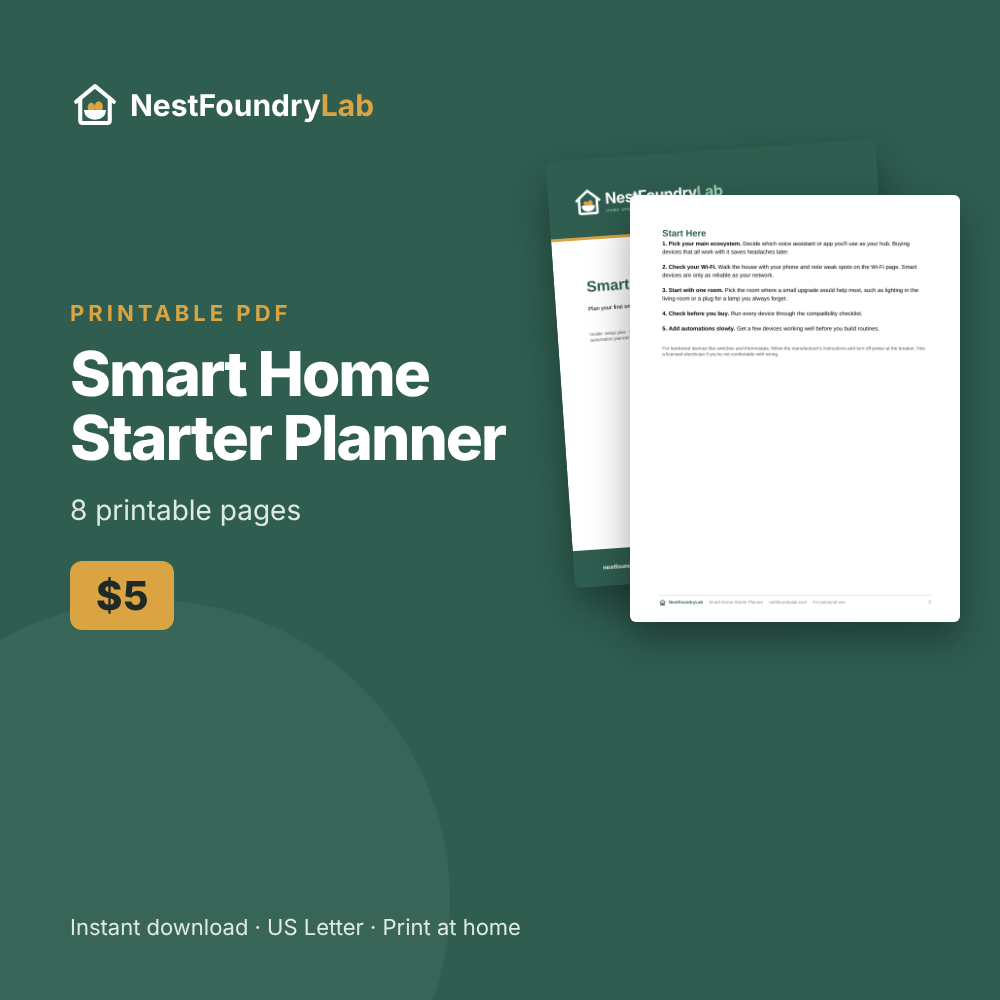
Plan it once and buy the right devices: the Smart Home Starter Planner ($5) includes a Wi-Fi coverage map, a before-you-buy checklist, a room-by-room wishlist and an automation planner.
Instant PDF download. Or get all 10 planners for $29.
Related: Smart Dimmer Switch Buying Guide · New Homeowner Essentials Checklist
Save this guide for later on Pinterest